How to Make Your Own PvP Pack from Other Packs
Build the perfect PvP pack without drawing a single pixel.
6 min read · Updated 2026-11-14
You do not need to be a pixel artist to have your own PvP pack. Most players already have favorite parts in different packs: one pack's swords, another's clean blocks, a third's crosshair. With PackMixer you can combine them into a single pack in a few minutes.
1. Collect your favorite packs
Gather the packs you like into one folder. Packs made for the same Minecraft version mix most cleanly. For 1.8.9 PvP, most packs already are.
2. Choose a base pack
Pick the pack you like most overall and give it priority #1 with the arrows on its card. Every category you do not change comes from this pack. It is usually the best source for Blocks, Interface & HUD and Font, because these define the overall look.
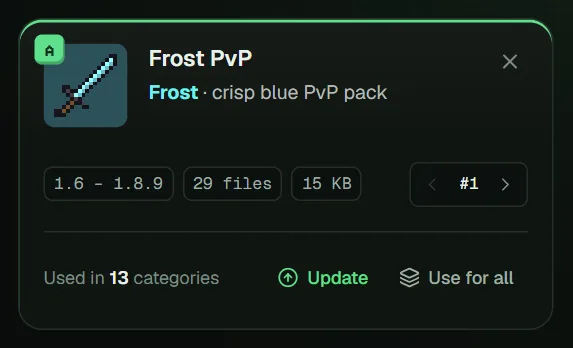
3. Swap in your favorite weapons and armor
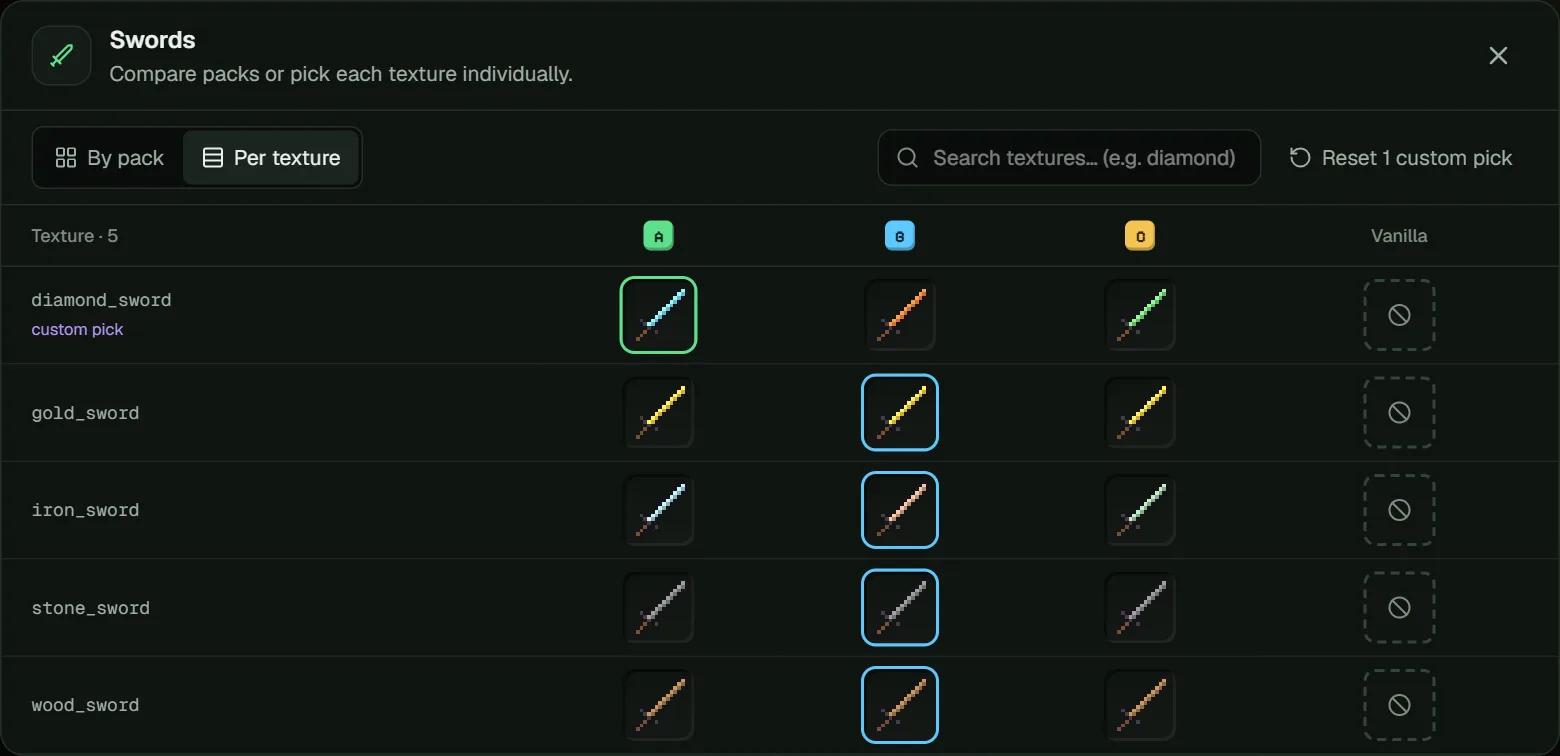
- Swords and Tools – short or thin swords make the screen easier to read.
- Armor – pick armor you can recognize quickly on other players.
- Bows & Arrows, Potions, Food – clear splash potion and golden apple textures help in fights.
Want only one special texture, such as a single diamond sword? Use Pick per texture.
4. Build your HUD
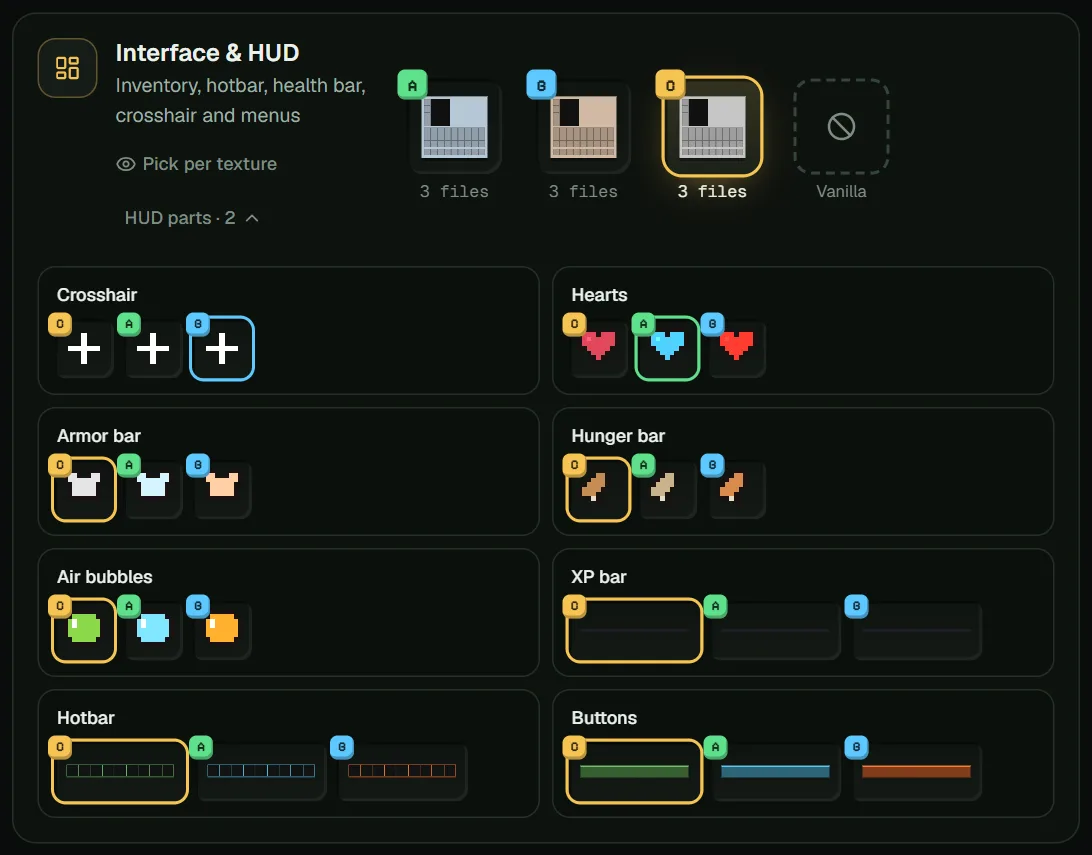
Open HUD parts under Interface & HUD. Here you can take:
- the crosshair from the pack with the clearest one,
- hearts and the hunger bar you can read at a glance,
- a hotbar that matches your style.
5. Pick the atmosphere
Choose Sky & Environment for the sky and sun, Particles for hit effects, and Effects & Glint for the enchantment glint color. Wool & Colored Blocks matters a lot in Bedwars, where clear team colors help.
6. Check, mix and test
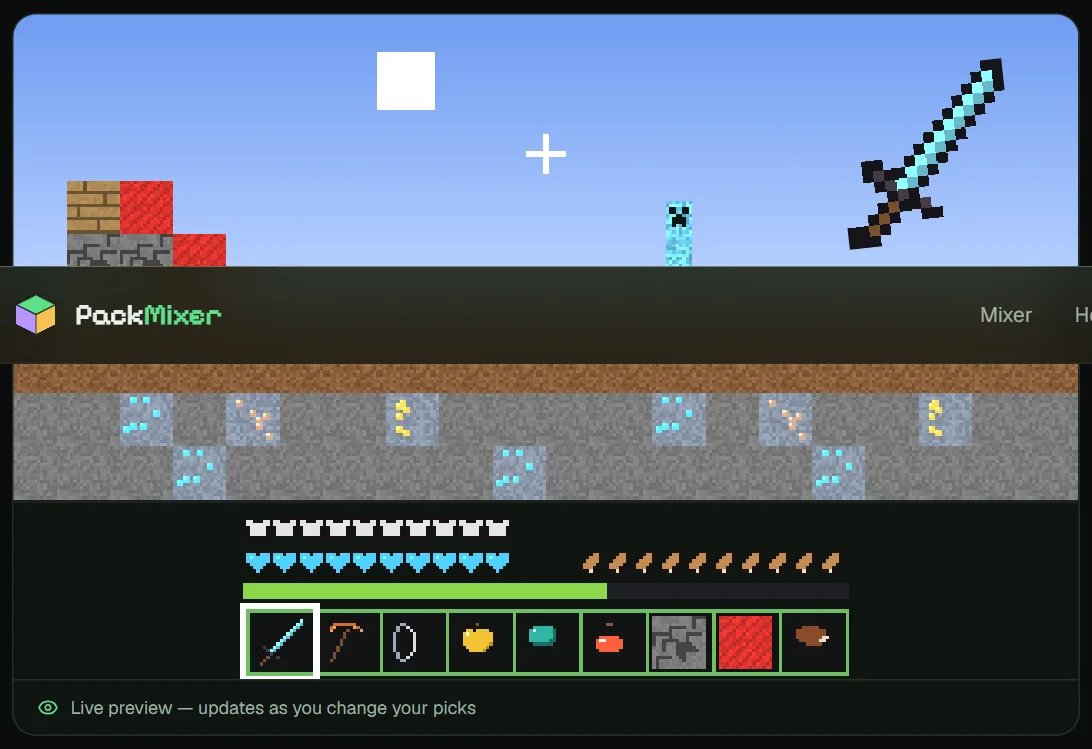
- Watch the live preview while you pick.
- Give your pack a name and description, and upload your own icon if you like.
- Press Mix and install the pack.
- Test it in a world or on a practice server, then come back and adjust. Your picks are saved in the browser.
Share it the right way
Use Share recipe to send your picks as a link. Friends who have the same packs get exactly your mix, and no files change hands. If you want to publish the finished pack itself, ask the original creators first. The PackMixer-credits.txt file inside your pack lists them for you.